Not a compressor. A dynamics model.
Dynamic Grading is a dynamics plugin for mixing that controls punch, body, and floor in one coherent model, so tracks and buses sit naturally in the mix without side effects.
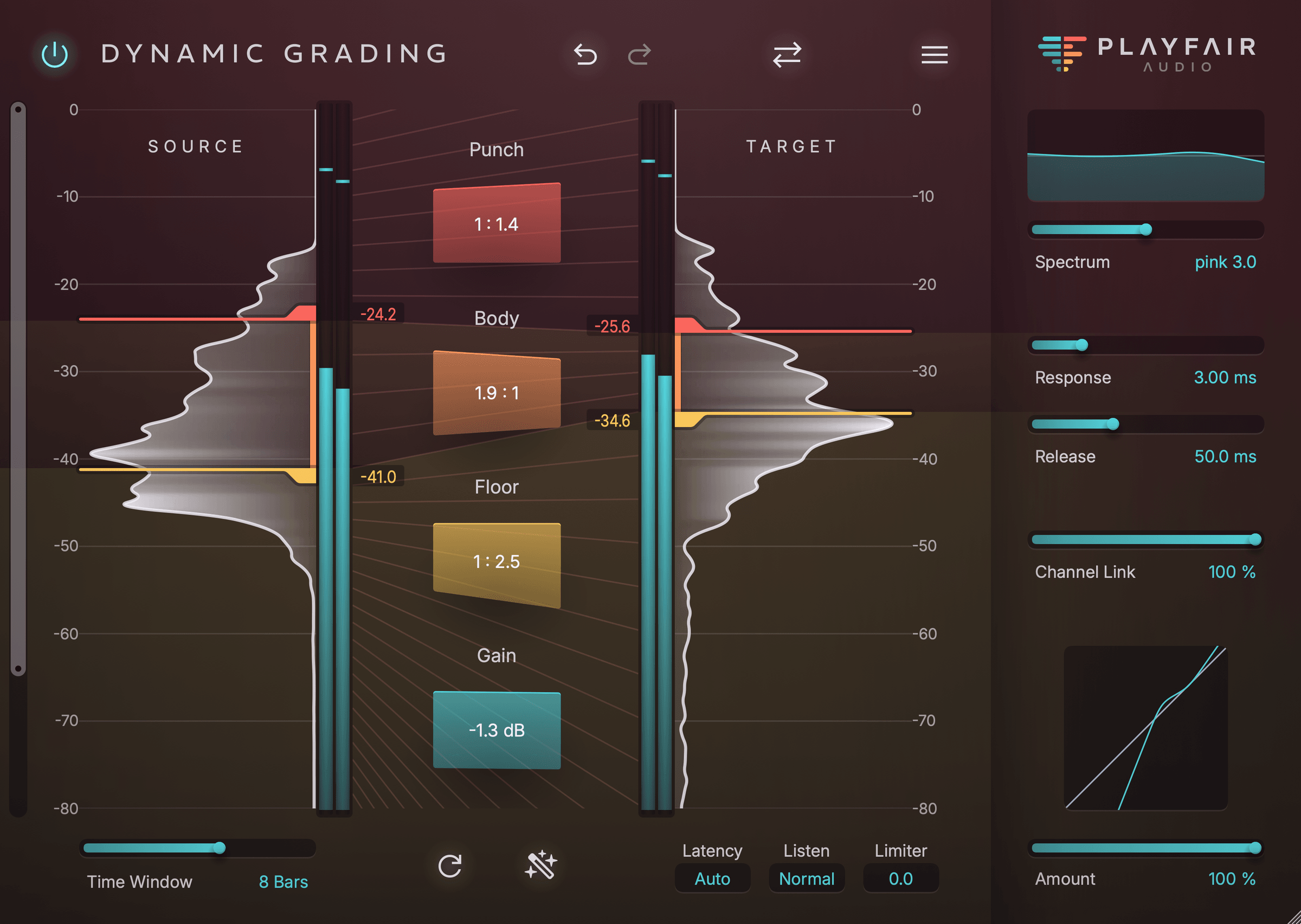
See the dynamics you're shaping
A compressor asks you to set threshold, ratio and attack, then listen for what changed. Those knobs describe the processor and leave it to you to connect them to your audio. Learning to do that by ear takes most of us years, and plenty of frustration.
Dynamic Grading starts from the signal. Its histogram shows how often each loudness level occurs in your audio, much like the histogram in a photo editor. On almost any track you'll find the same three regions: the punch of the attacks, the body where notes sustain, and the floor of decays, room and noise underneath.
Set the markers to where those regions sit, by hand or with Source Learn, and decide for each one whether to compress or expand it. The output histogram shows the result as you go, and for once you know exactly what you changed.
Under the hood, three things make it sound as good as it does: a spectrum control that measures level the way we hear, automatic lookahead that keeps every gain change on time, and release ballistics built for compressing and expanding at once. Few conventional compressors get even one of them right, and none gets all three.
A threefold dynamics engine
Dynamic Grading goes far beyond traditional dynamics processing by taking control of three distinct parts of the dynamic range, each serving a specific purpose.
Independently adjust compression or expansion ratios in the punch, body, and floor of your signal for nuanced control.
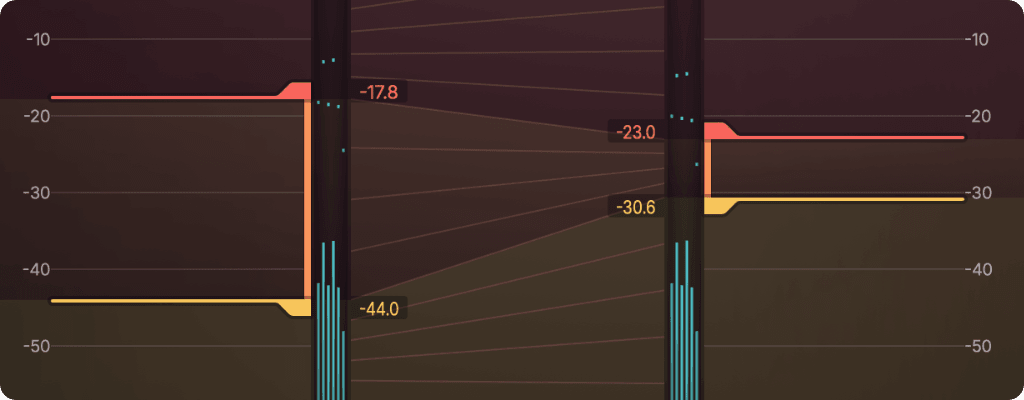
Land a punch
Think of it like a transient shaper. Make instruments more present and upfront, or push them farther away to create depth in your mix.
Get the body in shape
Here's where a lot of the action happens. Apply compression or expansion to only the core dynamics of the sound, without affecting transient clarity.
Swipe the floor
Make your mix shine and clean out unwanted noise. Or use this to increase or decrease reverb or room. It's simple and almost like magic!
A walkthrough in 3 minutes
Watch Dynamic Grading shape punch, body, and floor.
The video loads from YouTube when you play it. Privacy policy
What else makes Dynamic Grading different?
Dynamic Grading comes packed with features designed to achieve great sound and intuitive control without leaving you lost in a forest of knobs.
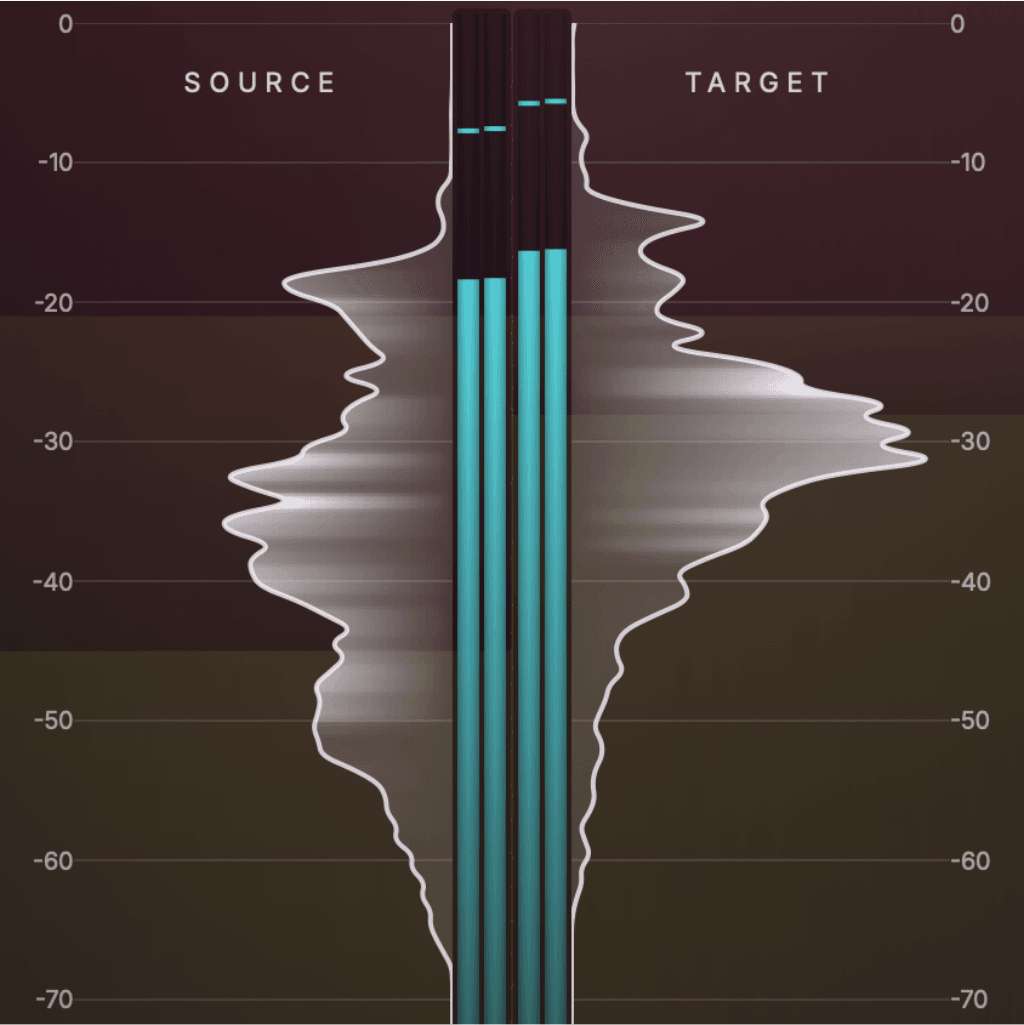
Dynamic histograms
Stop guessing threshold and ratio values. Gain real-time visual insight into your audio's dynamic range. View the input and output signals side by side to shape your sound intuitively.
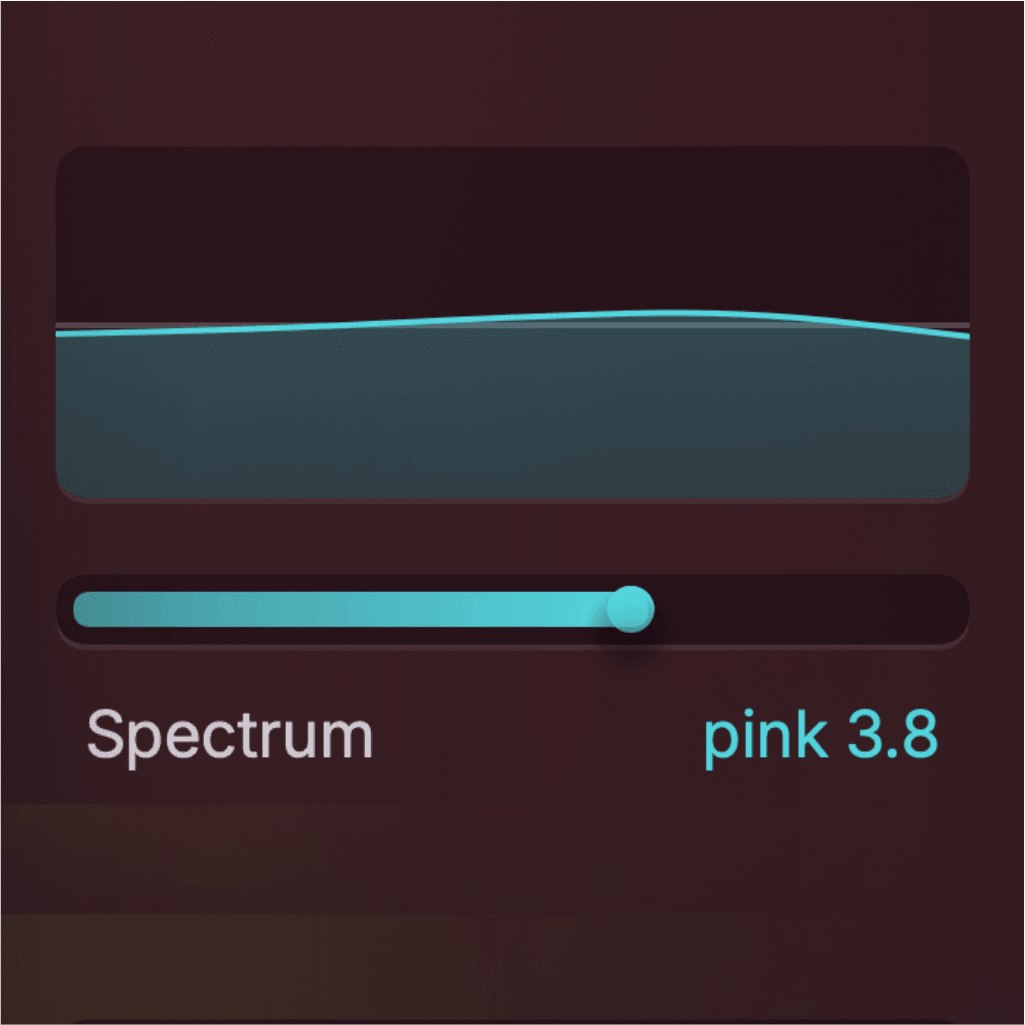
Spectrum control
The easy to use sidechain tilt filter guarantees natural-sounding results by properly accounting for the spectral balance of your audio. Our magic eye guides your way to the sweet spot.
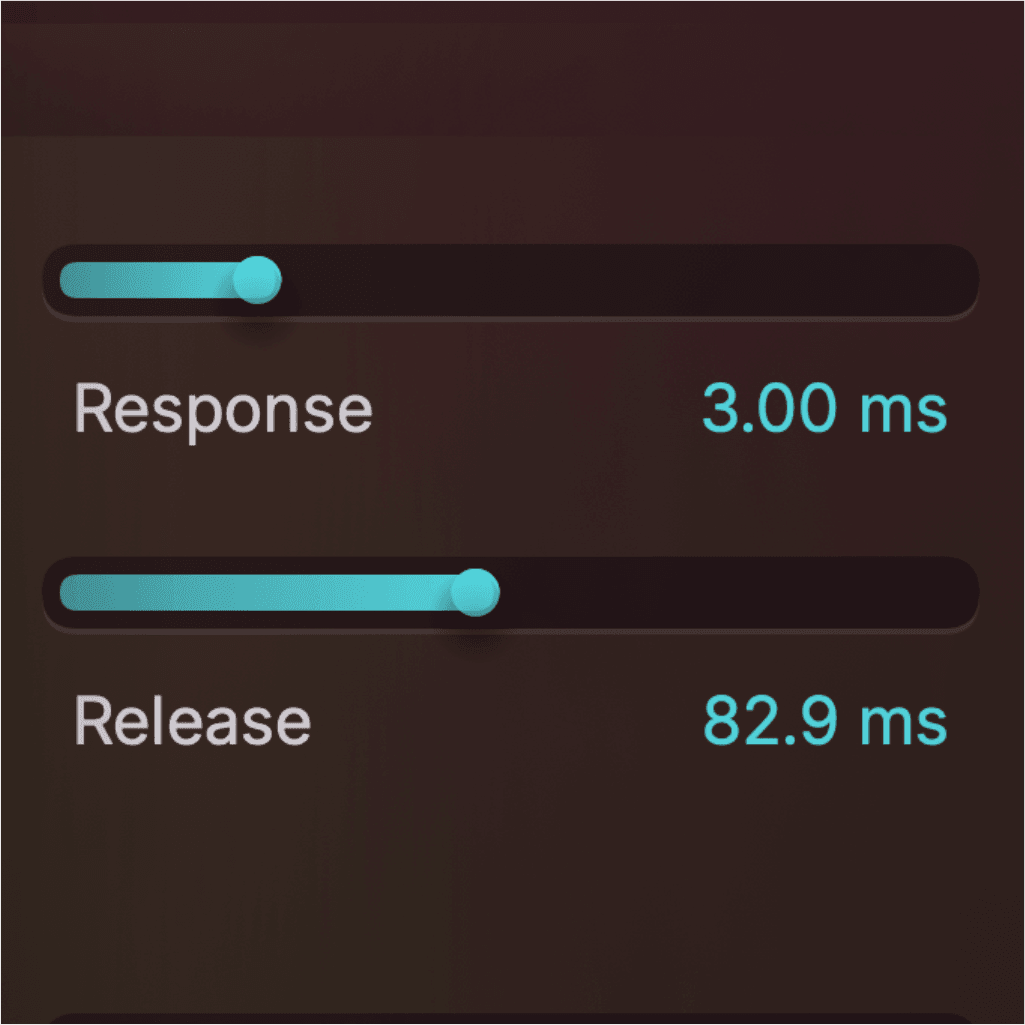
Precision timing
Achieve accurate and smooth dynamics with automatic lookahead and natural release ballistics.
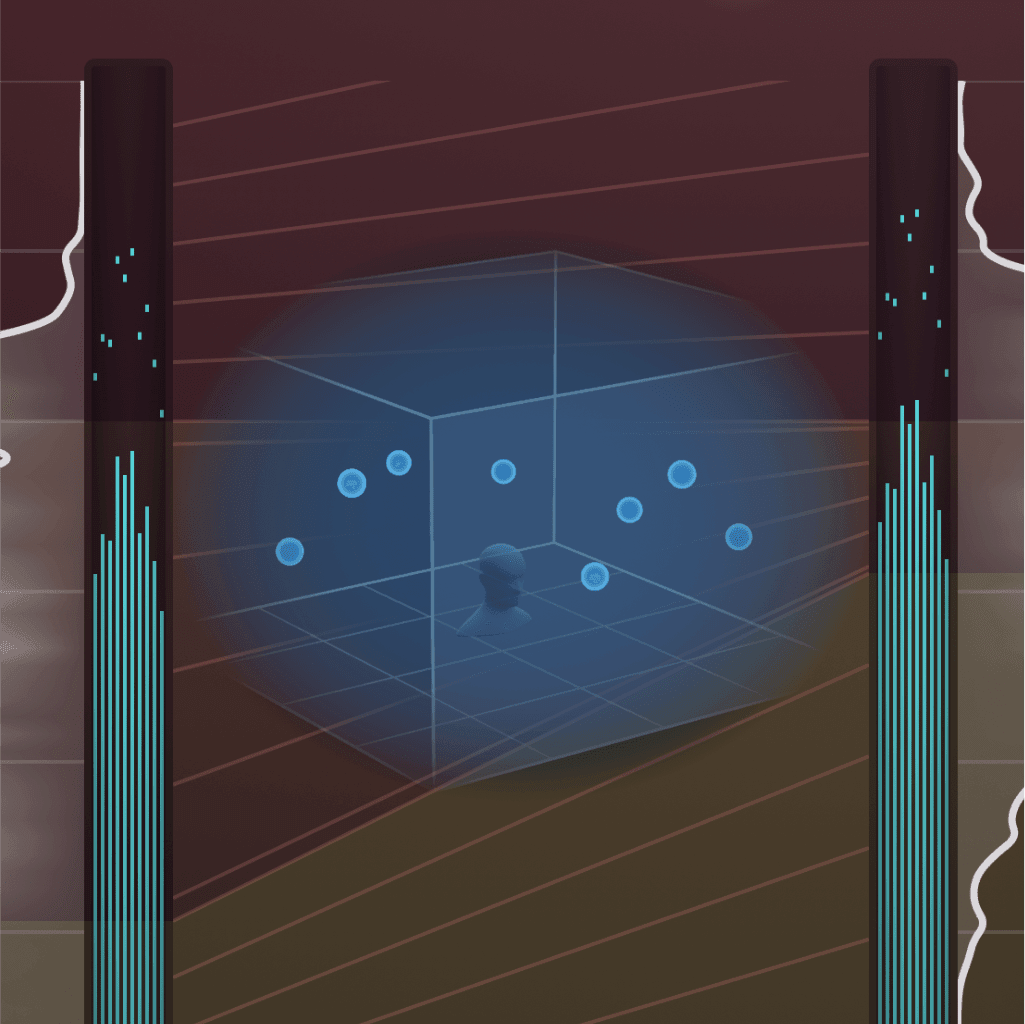
Multichannel support
This is one of the few dynamics plugins offering support for multichannel audio formats like Atmos. Shape, mix and master everything from mono tracks to 3D audio beds and masters up to 16 channels. All with continuously variable channel link.
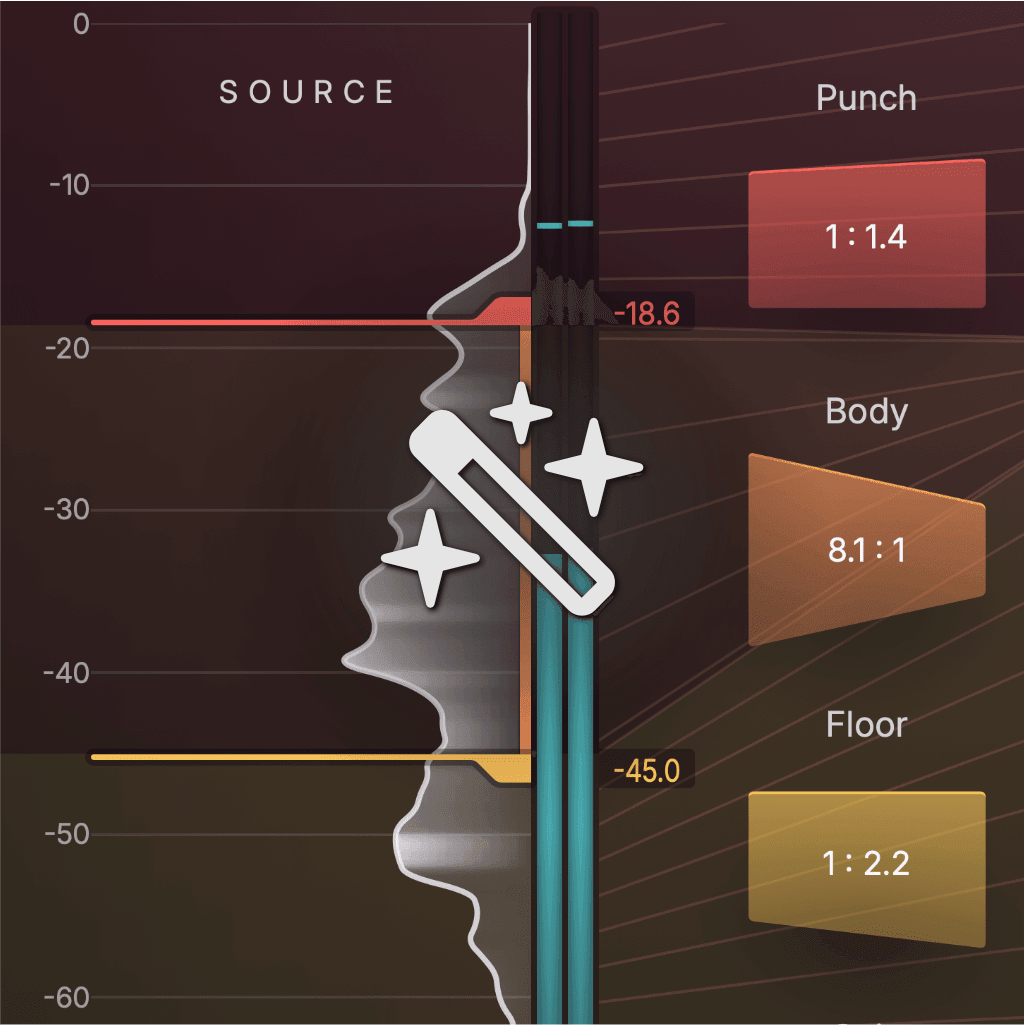
Source learn
Automatically detect a signal's body range to jumpstart your workflow.
Trusted by mixing engineers worldwide
Here's how Dynamic Grading fits into real mixing workflows.
“Dynamic Grading is a smart take on dynamics. I appreciate having proper manual control and a familiar curve display, but being able to work the middle as well as the top and bottom is what quietly sets it apart. It does take a bit of getting used to, but that’s often the sign of a tool worth learning.”
 INXS, Little River Band
“If you don’t fancy stringing tonnes of plugins together to get what you want, or you’re ready to go into unchartered dynamic territory for that standout sound, Dynamic Grading 2 has you completely covered. HIT.”
 Production Expert
“Even if you think you have a lot of dynamics plug-ins, this one is special. It’s modern, has a unique approach, and I’m putting it in my mix template.”
 New York-based, Grammy-nominated producer and mixer
“The result is that you can very easily add more energy to a track, with very granular control. You can just as easily tame the transients or add density to a track. For stereo music mastering, where it’s sometimes not possible to revisit the mix, I found the results to be superb. Highly recommended!”
 Mixing and mastering engineer, Rim Shot Studios
“This could well become the tool I reach for from now on to breathe new life into the over-compressed audio files I sometimes receive for mixing.”
 Sound on Sound
“Dynamic Grading is unique in that it doesn’t act like anything else you have in your arsenal. The results are often unexpectedly provocative. Honestly, it’s just fun to play with it to see what happens.”
 Fountain Pen Music
“This lets me approach a challenge in mixing in a way that I haven't been able to approach it before.”
 Mix Engineer
“The visual approach makes this plugin very intuitive. It can work extremely well on multichannel busses.”
 Composer/Producer, Author of "Stereo - Was A Nice Try"
Ready to go deeper?
If Dynamic Grading's mental model feels unfamiliar, that's normal. It becomes intuitive fast once you understand what you're looking at.
Here's the fastest way to make it click:
Understand what you're seeing
Learn how to read the dynamic histogram and what "punch", "body", and "floor" really represent in a signal.
The Anatomy of Audio DynamicsLearn what moves what
How shaping punch, body, and floor changes perceived impact, density, warmth, and openness.
Manipulating Audio Dynamics for Fun and ProfitOpen the trial and follow along
A guided first workflow so you don’t poke around blindly. Load it on a drum bus or mix bus and walk through it step by step.
Your First Session With Dynamic Grading
Try Dynamic Grading on your next mix
Hear how punch, body, and floor work together on your own tracks and buses.
Free to download. Start a 14-day trial or activate your license on first launch.
Related articles
Learn more about Dynamic Grading and how to use it in practice.